What Makes a Website Secure (And Why You Should Care)
Website security isn't just a concern for banks and big companies. If you collect customer information — even just a contact form — security matters. Here's what every Shenandoah Valley business owner should know.
Why Small Business Websites Get Hacked
Here's a misconception: “My business is too small to be a target.” The opposite is true. Hackers specifically target small business websites because they know the security is usually weaker. Automated bots scan millions of websites daily, looking for known vulnerabilities. They don't care if you're a bakery in Staunton or a bank in New York — if there's a hole, they'll exploit it.
What happens when your site gets compromised? Google flags it with a “This site may be hacked” warning, your customers see suspicious content, your SEO rankings tank, and rebuilding trust takes months. For a small Shenandoah Valley business, that can be devastating.
The Security Basics: What Your Website Needs
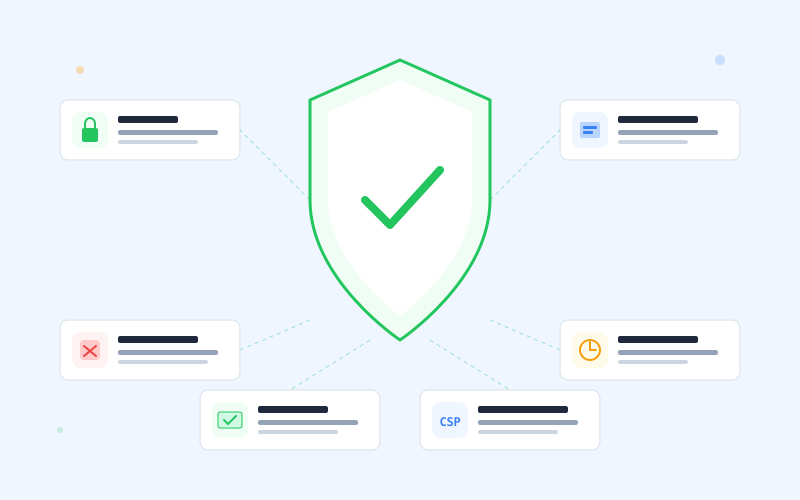
HTTPS (SSL Certificate)
This is the absolute minimum. HTTPS encrypts data between your visitor's browser and your website. Without it, Chrome shows a “Not Secure” warning that makes visitors leave immediately.
What to check: Look for the lock icon in your browser's address bar. If you don't see it, your site isn't using HTTPS. This should be non-negotiable with any web designer.
Security Headers
These are instructions your website sends to browsers about how to handle your content. They prevent common attacks like clickjacking (someone embedding your site in a frame to trick users) and content-type sniffing (browsers executing files they shouldn't).
Key headers: X-Frame-Options, X-Content-Type-Options, Referrer-Policy, and Strict-Transport-Security (HSTS). Most business owners never see these, but they're working behind the scenes to protect your visitors.
Content Security Policy (CSP)
CSP tells the browser exactly which scripts, styles, and resources are allowed to run on your website. This prevents a whole category of attacks where hackers inject malicious code into your pages.
Think of it as a bouncer for your website. Only approved guests (your own code, Google Analytics, your payment processor) get in. Everything else gets blocked.
Form Validation and Spam Protection
If your website has a contact form (and it should), that form needs to validate what people submit and protect against spam bots. Without this, you'll get flooded with spam and potentially expose yourself to injection attacks. Modern spam protection tools like Cloudflare Turnstile are invisible to real users while blocking bots effectively.
Regular Updates and Maintenance
Security isn't a set-it-and-forget-it thing. Dependencies need updating, new vulnerabilities get discovered, and best practices evolve. Your website needs someone keeping an eye on it. If your web designer built your site and disappeared, those updates aren't happening. (Our public security posture page documents how we handle hosting, sub-processors, TLS, and incident disclosure on every project.)
The WordPress Security Problem
We need to talk about this directly, because many Shenandoah Valley businesses are running WordPress sites built 3-5 years ago.
Why WordPress is a security risk:
- Plugin vulnerabilities. The average WordPress site runs 20-30 plugins. Each one is a potential entry point for hackers. A single outdated plugin can compromise your entire site.
- Constant update pressure. WordPress core, themes, and plugins all need regular updates. Miss one, and you're vulnerable. Update blindly, and things break.
- Shared hosting risks. Many WordPress sites sit on cheap shared hosting where one compromised site on the server can affect others.
- Target-rich environment. WordPress powers 43% of the web. Hackers write automated tools specifically targeting known WordPress vulnerabilities because the payoff is massive.
The Modern Alternative
Custom-built websites using modern frameworks eliminate the plugin attack surface entirely. There's no WordPress admin panel to brute-force, no plugins to exploit, and no shared hosting vulnerabilities.
What modern web security looks like:
- HTTPS enforced everywhere with HSTS preloading
- Full suite of security headers (X-Frame-Options, CSP, etc.)
- No plugins or third-party code you don't control
- Edge deployment (served from the nearest data center, not shared hosting)
- Validated and sanitized form inputs
- Bot protection on all public forms
- Dependency monitoring and regular updates
What You Can Do Right Now
Even without rebuilding your website, here are quick checks you can run today:
- Check for HTTPS. Visit your website. Is there a lock icon? If not, contact your host immediately.
- Update everything. If you're on WordPress, update your core, theme, and all plugins. Back up first.
- Remove unused plugins. Every plugin you're not actively using is an unnecessary risk. Delete them.
- Test your security headers. Visit securityheaders.com and enter your URL. An “F” grade means you have no security headers at all.
- Check your forms. Submit a test message through your contact form. If there's no spam protection (CAPTCHA or similar), bots are probably already using it.
Want a Website That's Actually Secure?
Every website we build includes HTTPS, security headers, CSP, bot protection, and ongoing maintenance. No plugins, no vulnerabilities, no surprises. Starting at $85/month.
Get Your Free ConsultationLooking for a web designer in the Shenandoah Valley?
We build websites for businesses across the Valley. See what we offer in your area:
Written by
Mosaic Ridge Team